The Problem: Power Without Accessibility
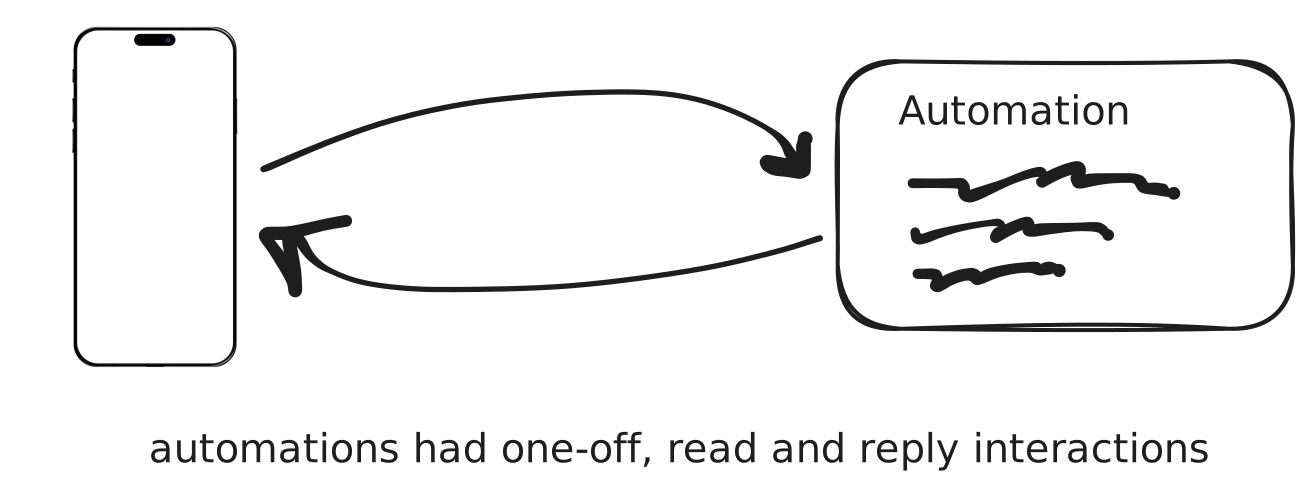
When I joined the team, we'd already gone through a few iterations of chatbot building tools. The earliest was Automations: simple single-round interactions where a user sent a message and got one reply back. Good for basic triggers, but way too shallow for actual conversations.
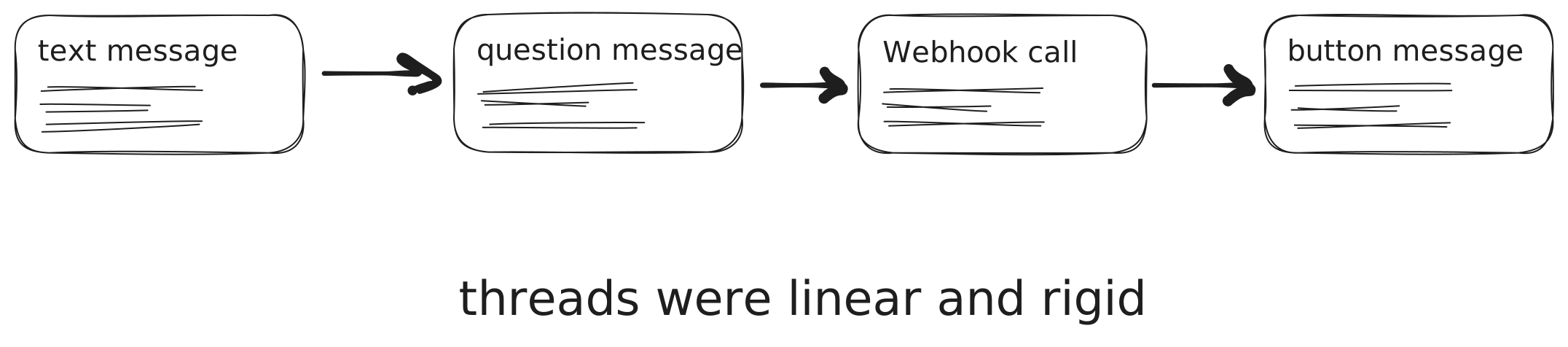
Next came Threads, which was more of a multi-step flow builder. You could chain blocks together in a linear way, but it was rigid, buggy, and really limited when it came to branching or different message types. The codebase was a mess too - engineers actively avoided working on it, extending it was painful, and the whole user experience felt rough.
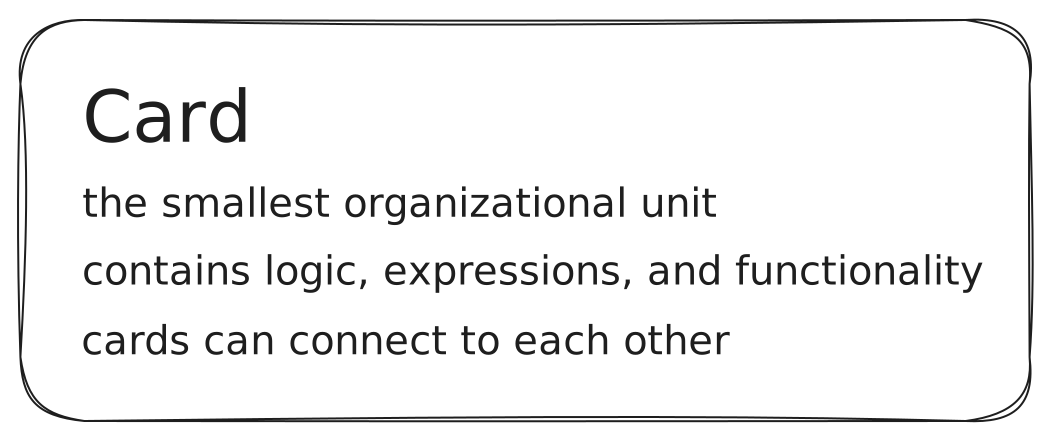
So we built something new from the ground up: a Domain-Specific Language (DSL) inspired by the old HyperCard concept. In this system, chatbots were written in code, with cards representing units of logic and content. It was genuinely flexible and powerful; you could build sophisticated, production-grade bots with custom logic, API calls, and media.
But there was a problem: the barrier to entry was massive. Non-technical users would open the editor and immediately hit a wall of code. Since our DSL was still young, error handling and debugging weren't exactly intuitive. And unlike JavaScript or Python, there was no StackOverflow community to help when you got stuck. Even simple mistakes could leave users completely blocked.
What we were missing was a user-friendly, intuitive way to tap into the DSL's power. Something that didn't require coding experience but still gave you flexibility. A way to actually see the conversation flow instead of just imagining it from lines of code.
My Role: Turning Abstract Code Into a Visual Builder
When I joined, there was no visual editor. Just a textbox where you'd write DSL code and then test it directly on WhatsApp. My first contribution was making this process easier: I built a WhatsApp simulator right in the browser. Instead of deploying to WhatsApp after every single change, users could test their journeys live in an embedded phone-like interface.
But that was just the start.
The real turning point came when I got this request: "Create a Canvas." No designs, no blueprint, no predefined UX. The only input I had was the parsed object representation of our DSL code.
From there, I had to figure out how those abstract objects could become blocks on a canvas that anyone could drag, drop, and connect to build real chatbots.
These were the building blocks I was working with 👇
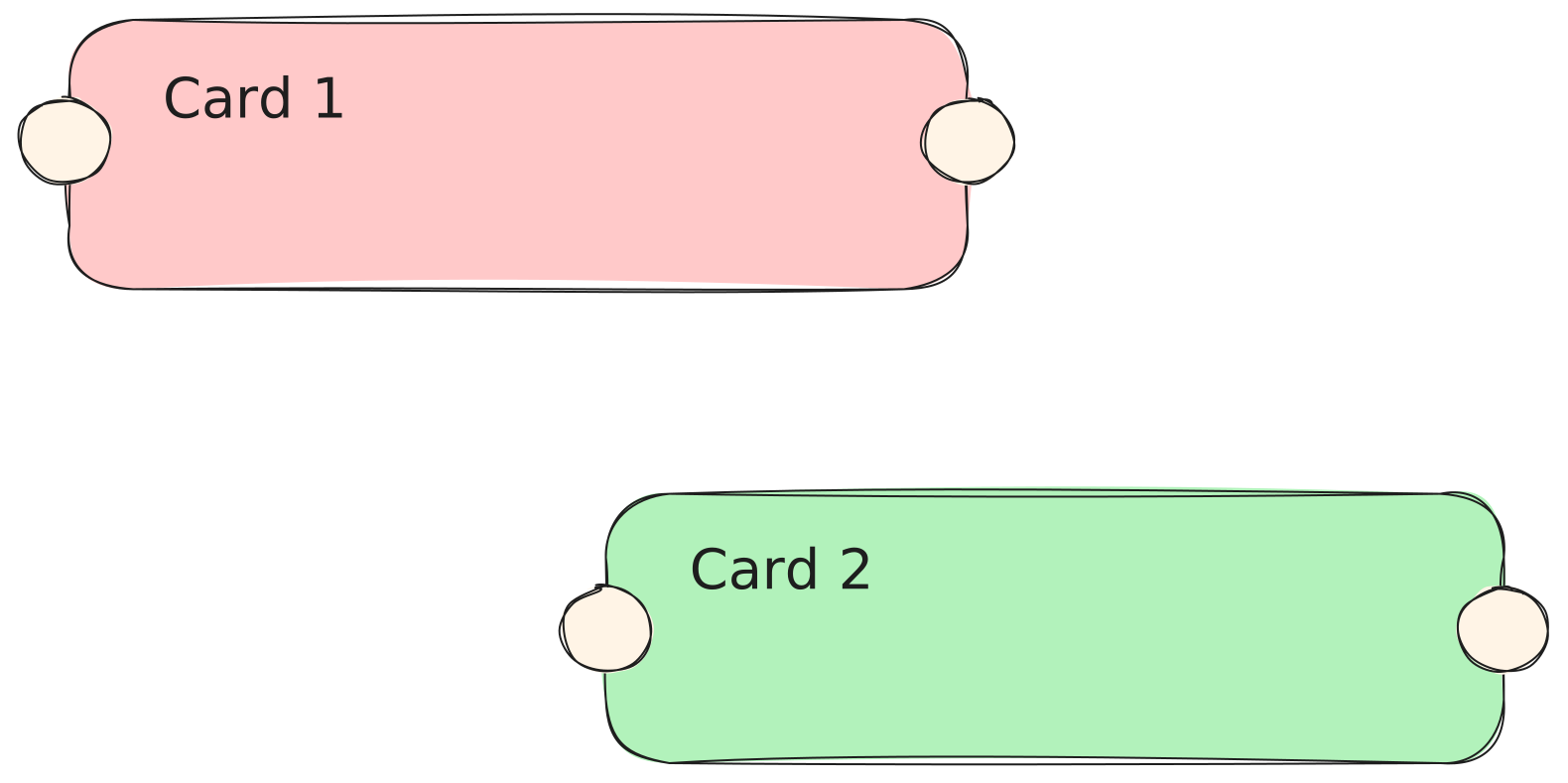

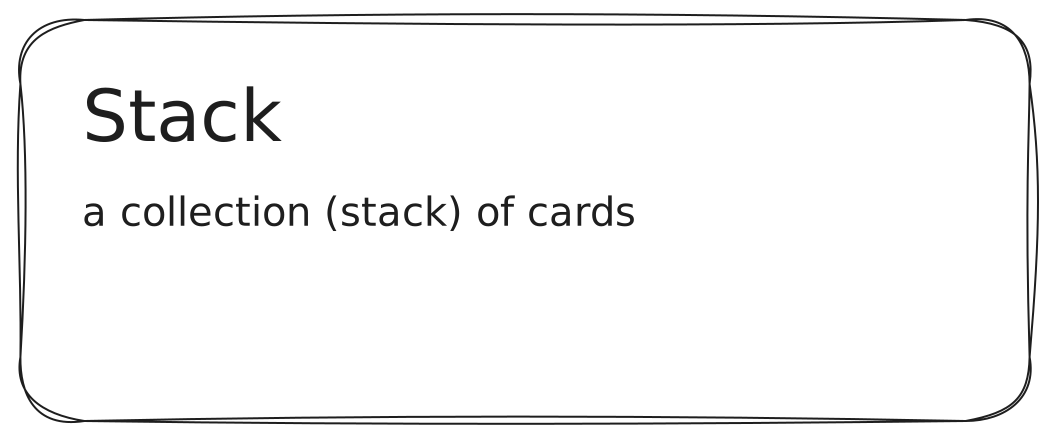
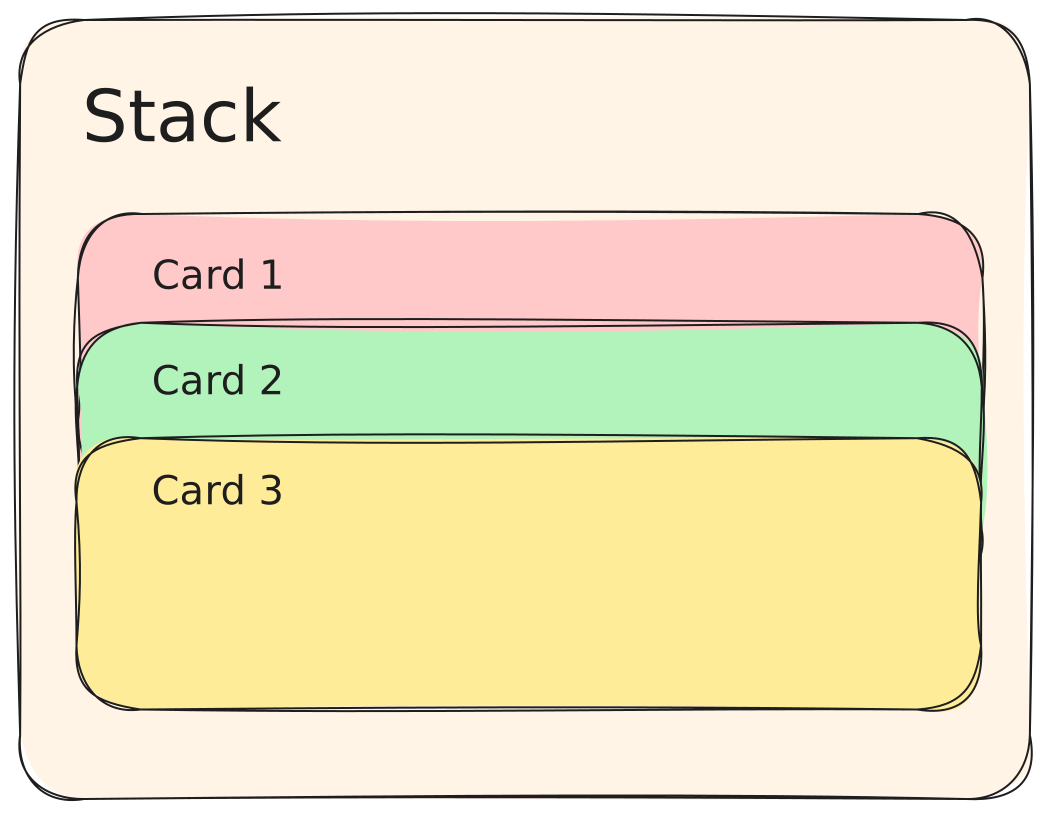
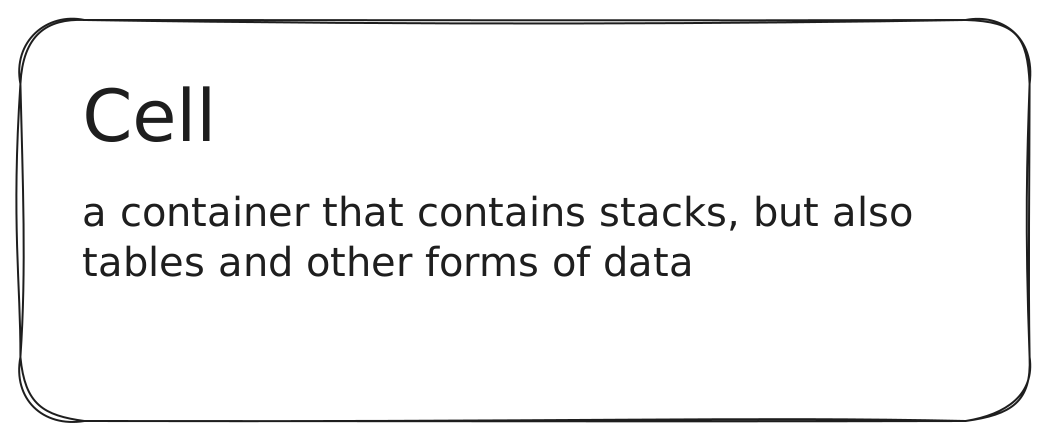
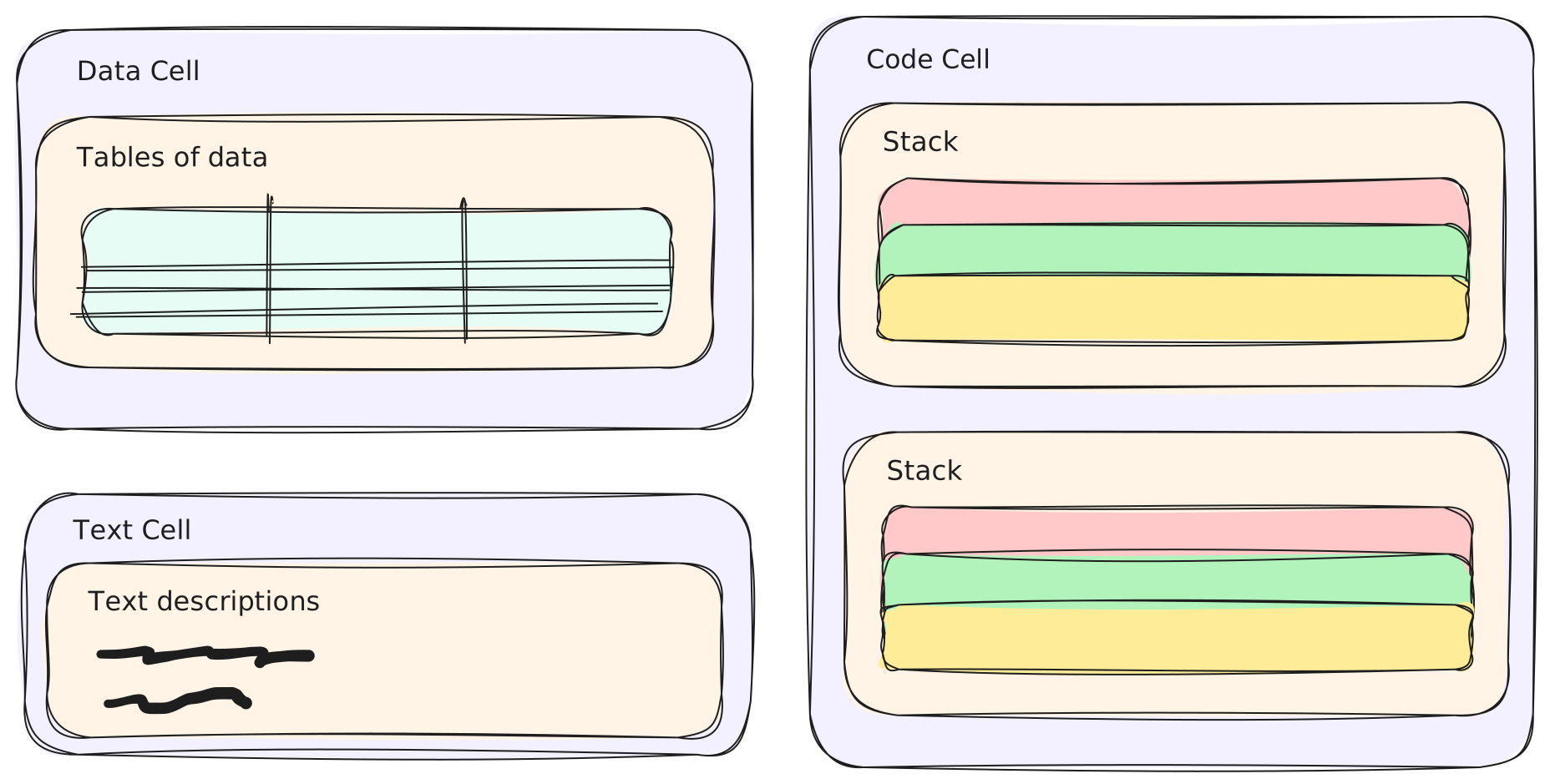
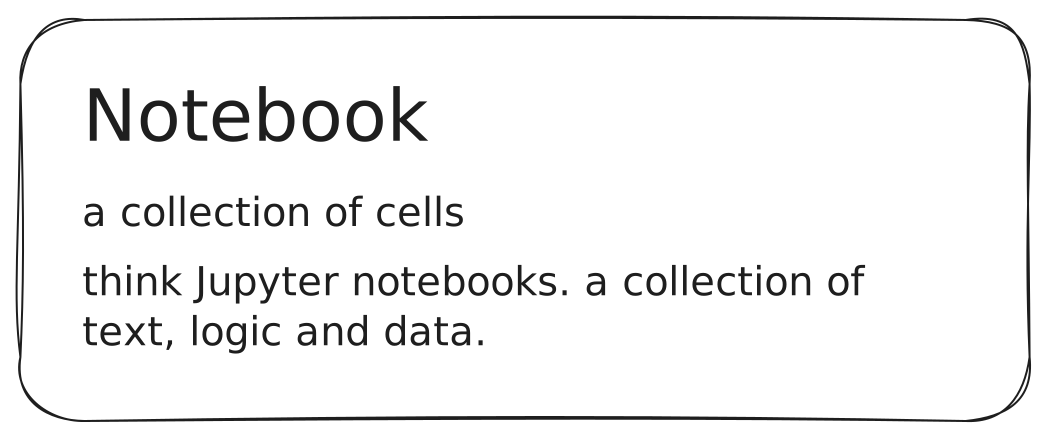
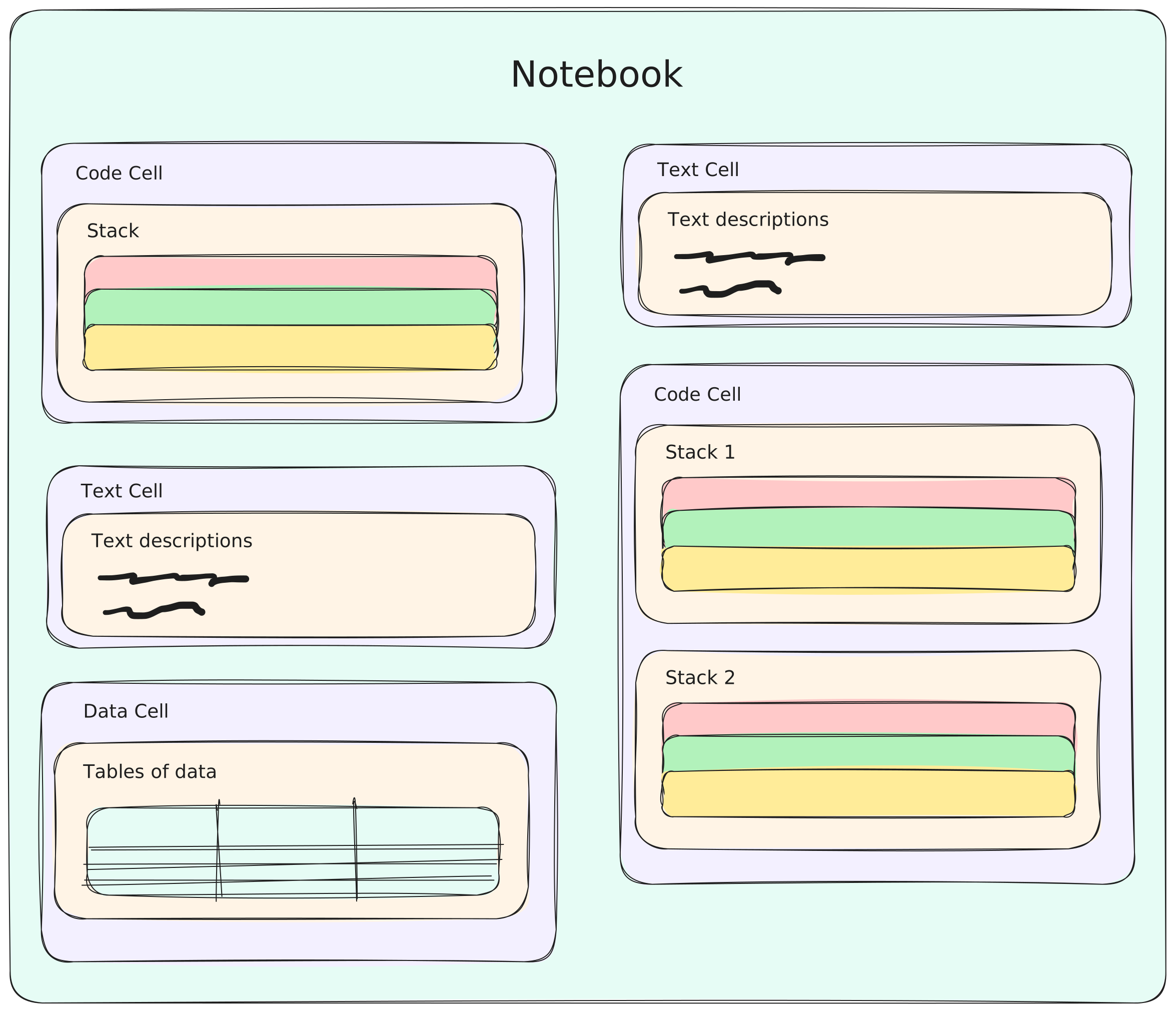
This meant figuring out:
- The smallest building unit. The Canvas needed a way to connect blocks, and the DSL's cards already had this built in. But sometimes a single visual block needed to handle more than one thing under the hood. Some features worked better as multiple cards working together. I solved this using Cells, which could contain multiple cards. Each visual block on the Canvas maps to a Cell. By default, a Cell has one card, but it can wrap multiple cards when needed. The internal logic stays hidden, while the connection points come from the cards' built-in linking ability.
- What block types we needed. Text, questions, buttons, media - basically everything modeled after WhatsApp's supported message types.
- How to bridge code and UI. Every Canvas action (adding, editing, connecting blocks) had to generate valid DSL code behind the scenes. And every DSL update had to render back into the Canvas.
- The right architecture. We spent time debating backend-enforced schemas vs frontend-driven flexibility. The team decided to keep schemas flexible on the frontend so we could iterate quickly, test ideas, and refine UX without waiting on backend changes. This meant more complexity on the frontend, but it gave us the freedom to experiment and move fast.
I wasn't just writing code. I was also prototyping, testing with teammates and customers, and informing design decisions. The earliest versions were rough - literally just a few rectangles on a blank canvas - but they worked. They proved the concept. And they gave designers something real to polish instead of abstract sketches that didn't click.
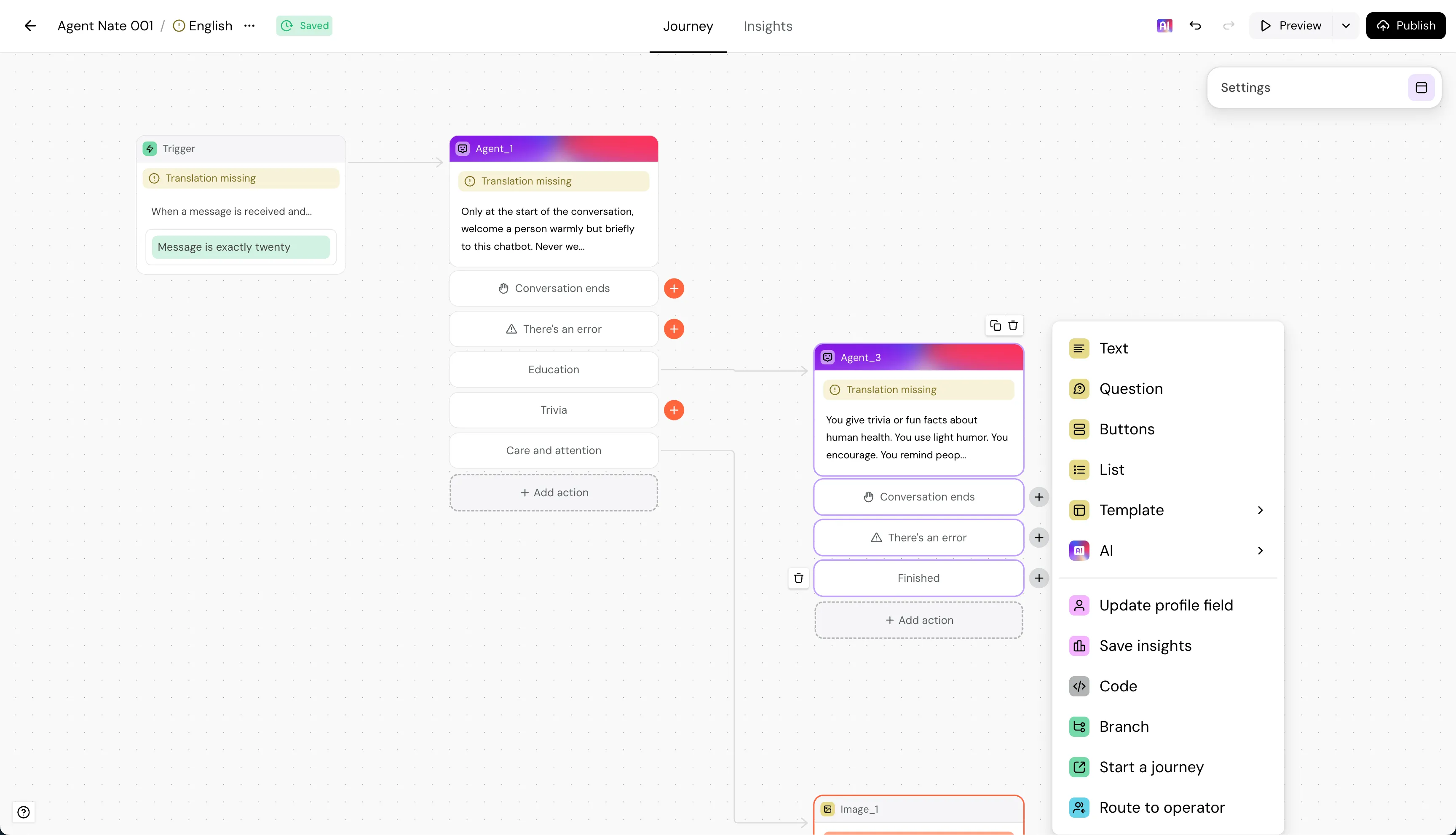
Over time, the Canvas evolved from bare divs into a polished, intuitive editor. The building blocks grew: text messages, buttons, lists, media, questions, even code blocks for advanced users.
The Solution: A Canvas for Everyone
The beauty of the Canvas was how it combined accessibility and power:
- Non-technical users could drag and drop blocks, connect them visually, and instantly see the flow.
- Advanced users could still drop into code blocks for custom logic.
- Every action seamlessly generated DSL code, keeping everything compatible with the underlying engine.
We iterated constantly. Internal testing first, then with selected customers, then a gradual rollout under a feature flag. With every cycle, the Canvas got smoother, friendlier, and more powerful. Designers refined the visuals and interactions on top of the foundation I'd built.
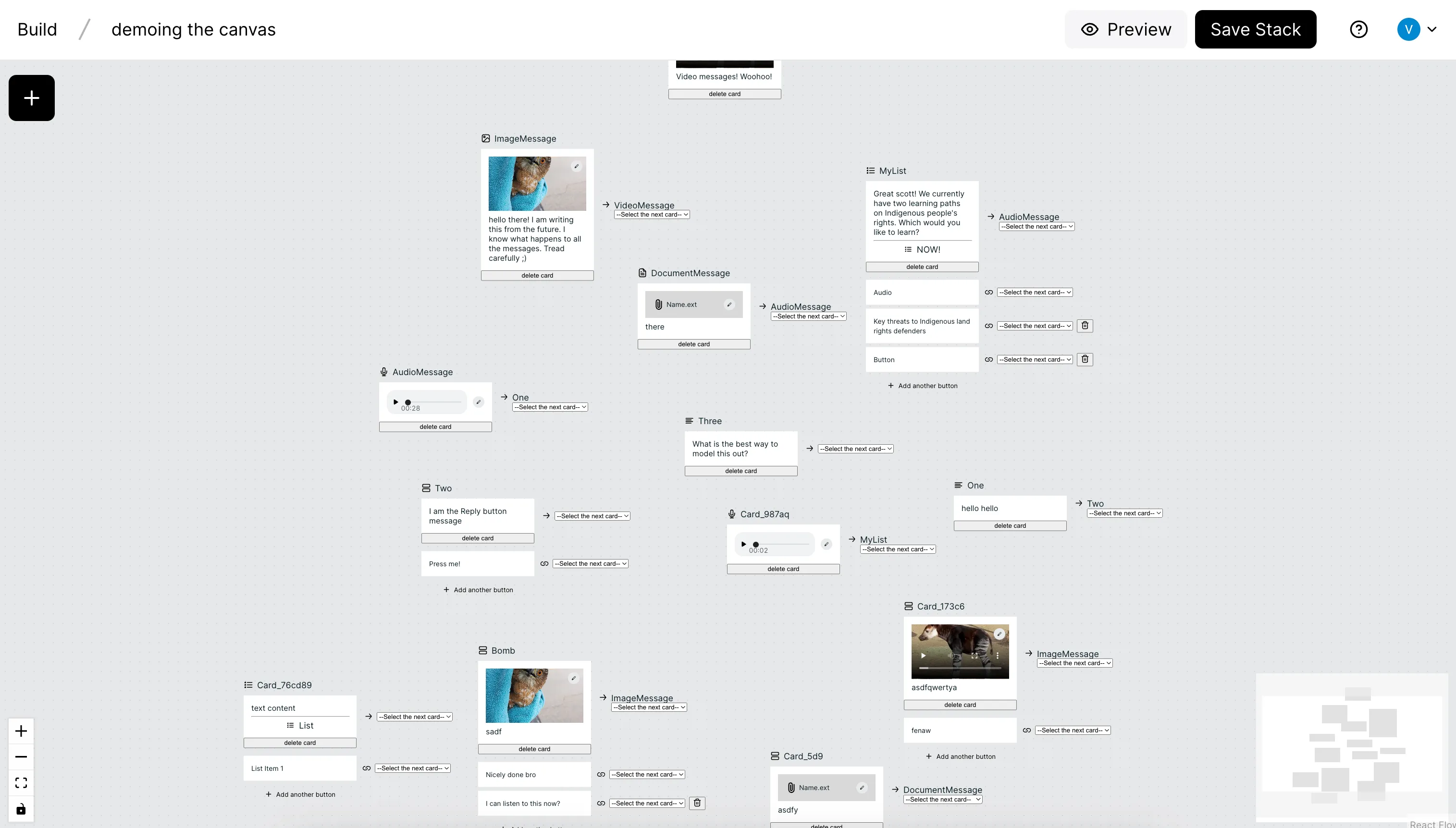
What started as a blank page became a user-friendly, flexible, and reliable way to build chatbot journeys.
The Impact: Adoption, Empowerment, and Growth
The results speak for themselves:
- Mass adoption. Over 80% of all chatbot traffic - more than 10 million conversations annually - now runs through the Canvas.
- Customer delight. New users consistently mention how intuitive and empowering the Canvas is compared to competitors. Writers, marketers, and customer success teams can now build and update bots without needing engineers.
- Technical empowerment. Engineers were freed from the buggy Threads codebase. The DSL stayed as the powerful engine under the hood, while the Canvas became the friendly face on top.
- Product differentiation. The Canvas became a major selling point, central to our product pitch and customer retention.
In short, the Canvas bridged the gap between power and accessibility, bringing the flexibility of code to everyone, not just engineers.
Reflection
This project stretched me as both an engineer and a product thinker. The hardest part wasn't the coding itself - it was the conceptual work. Taking something abstract (DSL objects, ASTs) and turning it into something visual, intuitive, and real.
It taught me how to balance tradeoffs (backend schemas vs frontend freedom), how to prototype through uncertainty, and how to anchor engineering decisions in user experience.
Today, when I see millions of conversations running through the Canvas I built, and hear customers say "I love using this tool," I know every single iteration was worth it.
The Future
One of the most exciting things about the Canvas is that, at its core, it's still text. In the age of LLMs and AI, we know how powerful text-based representations can be. Because the Canvas is backed by a DSL, we now have years of structured examples and patterns to build on. Combine that with LLMs and you unlock entirely new possibilities. From auto-generating flows to suggesting optimizations, the future of the Canvas could be even more intelligent. Maybe I'll get to write about that next 😄.